$0 0

Cart

No products in the cart.

Agency Spreadsheets
  • White-label
  • AI included

Marketing ROI & Budget Calculator

Plan budgets and show ROI, ROAS, CAC and payback in one spreadsheet.

$19One-time payment. No subscription.
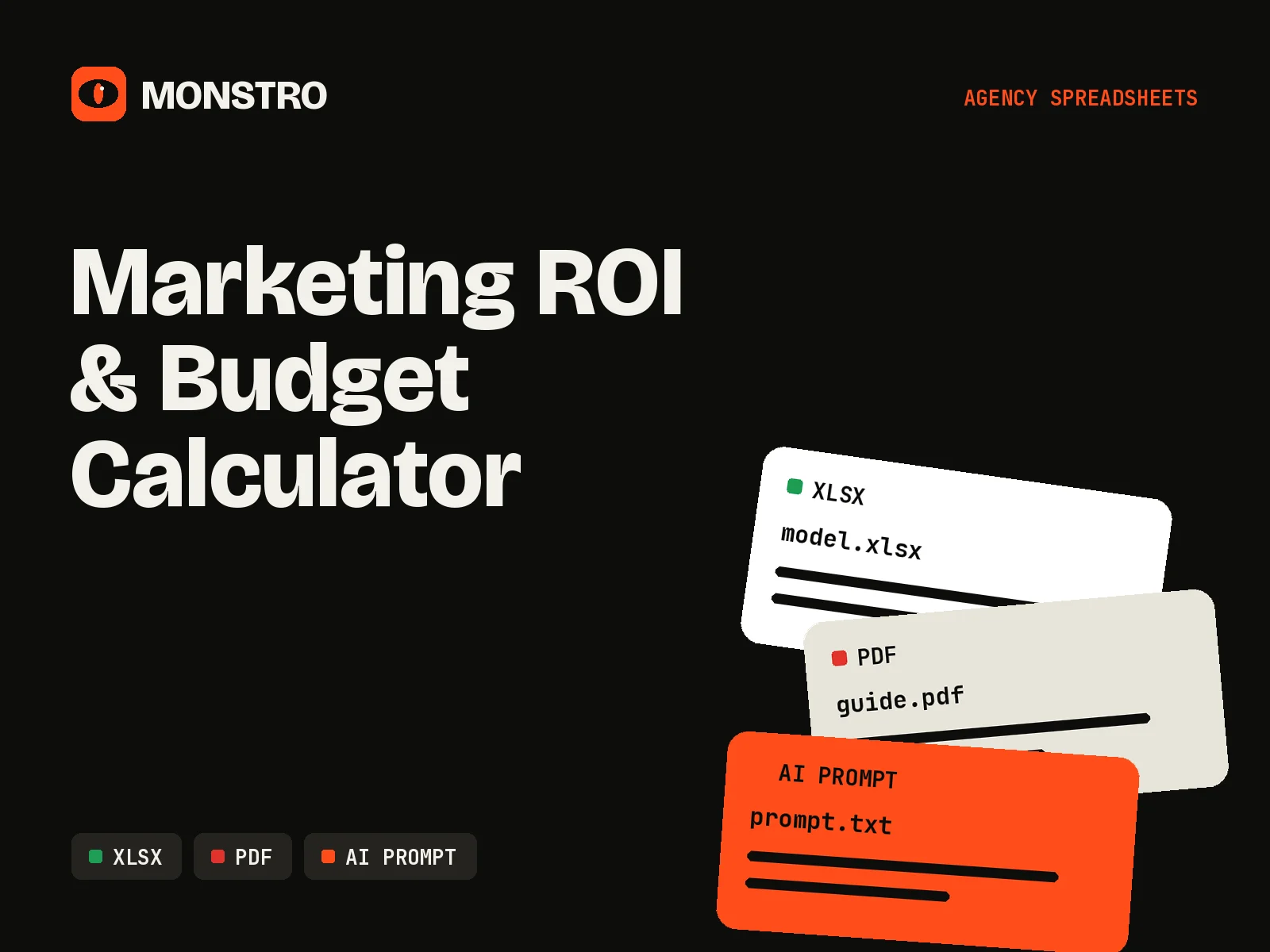
  • XLSX
  • PDF
  • AI PROMPT
License: Commercial Client UseModify the asset and deliver the finished work to paying clients.What this license covers
  • Instant download
  • Editable source files
  • No subscription

[ The real price ]

Every asset buys back the hours it takes to build.

The file is the easy part to see. The value sits in the structure, the formulas and the thinking already done for you.

6-10 h

to build it from scratch (our estimate)

20-40 min

to brand and adapt it with MONSTRO

Formats
XLSX, PDF, AI PROMPT
License
Commercial Client Use
Difficulty
Beginner
Customization time
20-40 minutes
Build time from scratch
6-10 hours (our estimate)
AI customization prompt
Included
Branding instructions
Included
Implementation guide
Included
Delivery
Instant download after checkout

[ What you get ]

What You Get

Every file below unlocks in your library the moment your order completes.

  • XLSXMarketing_ROI_Budget_Calculator.xlsxFive tabs: Inputs, Channel Budget, ROI and ROAS, CAC and Payback, Client Summary
  • PDFCalculator_Guide.pdfWhat every input means and how to read the results
  • TXTMONSTRO_Branding_Prompt.txtAI prompt for writing the client summary in your voice

Clients ask the same question in every budget conversation: what will we get back? The Marketing ROI & Budget Calculator answers it with the formulas already built. Enter the budget, channel split, cost per click, conversion rates and average order value, and the sheet calculates leads, customers, revenue, ROI, ROAS, CAC and payback period for each channel.

Five tabs, one story

Inputs holds the global assumptions. Channel Budget splits spend across up to eight channels. ROI and ROAS shows return by channel. CAC and Payback shows what a customer costs and how many months it takes to earn it back. Client Summary turns everything into a single page you can export. Input cells are colored, formula cells are locked against accidental edits and nothing needs macros.

Where it fits

Use it during budget planning, in proposals and in quarterly reviews. It works in Excel and Google Sheets. Pair it with the Client Strategy Presentation for the budget slides, or explore other agency spreadsheets. Free members also get the Agency Pricing Calculator.
[ Use it ]

What You Can Do With It

  • Build a channel budget for a client in 15 minutes
  • Show projected ROI, ROAS and CAC before the client signs
  • Compare channels side by side in one table
  • Recalculate scenarios live during a budget meeting
  • Export a one-page summary for proposals and reports

With clients

Walk clients through budget scenarios live, then add the Client Summary tab to proposals and quarterly reports.

Inside your agency

Sanity-check campaign plans and media budgets before they go into a proposal.

[ Brand it with AI ]

Brand It With AI

Your purchase includes a structured AI prompt that helps you adapt this asset to your agency: your voice, your terminology, your client. Here is the workflow.

  1. 01Open the original fileDownload the editable source from your library and open it in Word, PowerPoint, Excel, Google Workspace or your code editor.
  2. 02Replace the basicsSwap in your agency name, logo, colors and contact details. The branding guide lists every spot to change.
  3. 03Copy the MONSTRO AI promptThe prompt ships with the asset as a plain text file, ready to paste.
  4. 04Add your agency informationFill in the bracketed fields: services, tone of voice, terminology, typical client and methodology.
  5. 05Let AI help customize the contentPaste the prompt into ChatGPT, Claude or Gemini and work through the asset one section at a time.
  6. 06Review everything manuallyCheck every fact, number, claim and promise. AI drafts. You approve.
  7. 07Deliver it to your clientExport the final version or deploy the code under your own brand, inside your own service.
Prompt preview
You are an analyst at [AGENCY NAME].
Using the numbers below from our ROI calculator, write a 150-word budget summary for [CLIENT NAME].
Explain the expected return in plain language, name the strongest and weakest channel, and flag any assumption that looks optimistic.

Numbers:
[PASTE CLIENT SUMMARY TAB]

Human review required. AI output can be wrong, generic or off-brand. Review every section before it reaches a client, and keep confidential client data out of AI tools your client has not approved.

[ License ]

Know your rights before you buy.

Each MONSTRO asset carries one license level. It decides editing, branding, client delivery and commercial use. Redistribution and resale of the original files are always excluded.

License: Commercial Client UseModify the asset and deliver the finished work to paying clients.

You can

  • Allowed: Edit, restructure and rebrand the files
  • Allowed: Use the asset inside your agency, with your whole team
  • Allowed: Use it across unlimited client projects
  • Allowed: Adapt the content with AI tools
  • Allowed: Deliver the customized files and finished work to paying clients

You can't

  • Not allowed: Resell, share or give away the original files
  • Not allowed: List the files as templates on marketplaces
  • Not allowed: Include the files in courses, bundles or download libraries
  • Not allowed: Claim ownership of the original MONSTRO asset

This is a plain-English summary. The License Terms are the binding version.

[ Buying with MONSTRO ]

Checkout in a minute. Files in your library right after.

  • Instant digital deliveryFiles unlock in your library right after checkout.
  • Secure checkoutThe whole store runs over encrypted HTTPS.
  • Original editable filesSource files you can open, change and rebrand.
  • Commercial agency usageUse it in client work according to the product license.
  • No physical shippingEverything is a download. Nothing to wait for.
  • No subscription requiredPay once per asset. Keep your files.

[ Keep building ]

Related assets